Smart City and Lighting Systems

ArtNet & DMX, RDM, and SPI Solutions for LED Lighting Control

Zenopix offers professional solutions for your ArtNet and DMX projects with LED lighting control devices.

Country
+ 0
City
+ 0
Device
+ 0
Project
+ 0
zenopix-aer-dmx-spi-master-controller-device-image

Zenopix: Smart control solutions for LED manufacturers

Particularly with its ArtNet and DMX-supported solutions, Zenopix offers high performance at global standards. Furthermore, this hardware facilitates management thanks to its user-friendly interfaces. Therefore, you can ensure full control over your projects with our efficiency-enhancing technologies.

Advanced R&D Capability

It possesses the capability to develop hardware and software for lighting control systems.

Art-Net, DMX, RDM, SPI

It offers controllers, converters, and master devices for professional projects.

Software-Based Control

It provides user-friendly software for pixel animation and RDM device management.

Flexible Project Support

With our customizable infrastructure, we offer full project support across all device types.

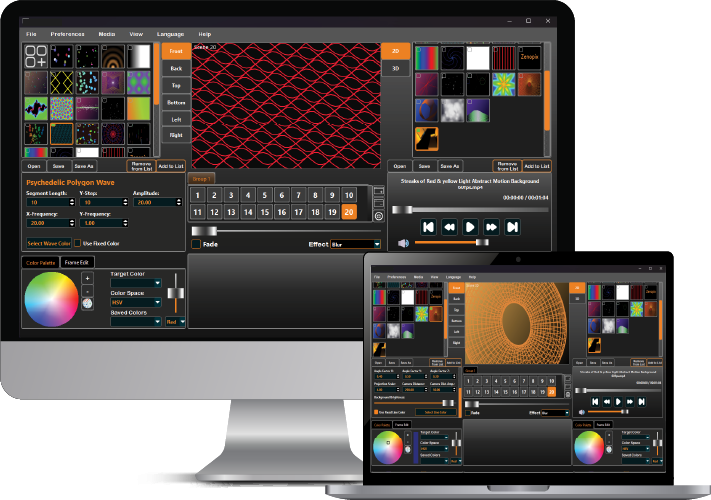
zenopix-neo-software-computer-image

ArtNet control is now much easier with NEO V2

Combining ArtNet and DMX protocols into a single interface, Zenopix NEO provides complete control over lighting architectures. For instance, you can record complex animations and model your projects in a digital environment. Consequently, you can easily optimize the entire process.

Current Software Technologies in 2D and 3D Animations

100%

User-Friendly Interface in Pixel Mapping

100%

Simultaneous Synchronized Animations with Music

100%

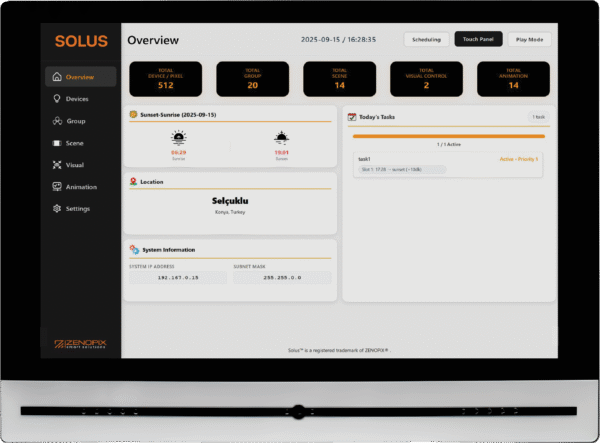
Solus Touch Panel ArtNet Master Controller

Solus Touch Panel is a touch-based hub that manages all pixels in real time. In particular, you can visualize your projects instantly and control your devices on a group basis. Furthermore, its user-friendly interface brings complex scenarios to life within seconds. As a result, you achieve complete control and efficiency in your professional projects.

Our References

Our references are a testament to our successfully completed projects.

Astana Independence Palace

In this project, a 4-channel constant voltage Zenopix RDM/DMX decoder and a Zenopix RDM/DMX addresser were used.

Science Festival Pathway

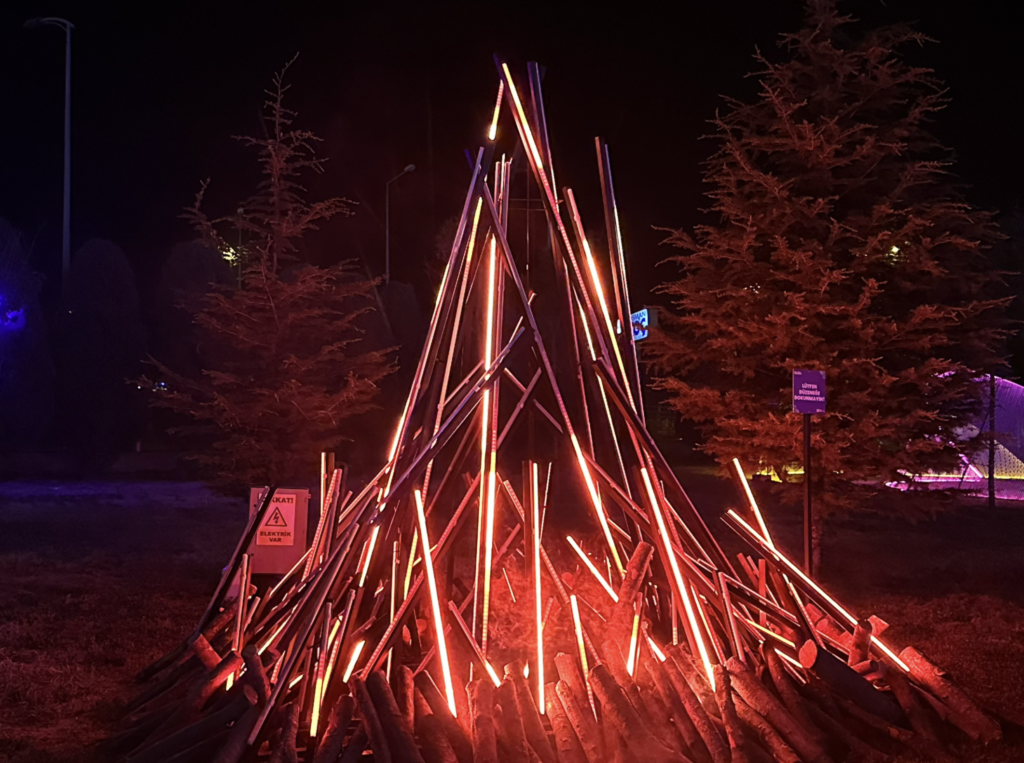
In this project, the Zenopix AER 8 DMX / SPI Master Controller was used in conjunction with Zenopix NEO software.

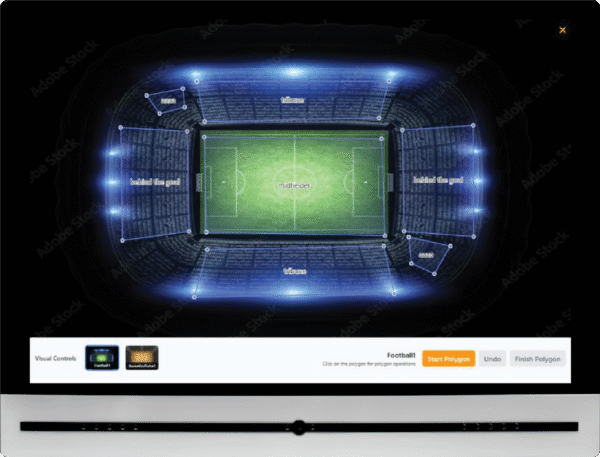
Lucoil Iconic Stadium

In this project, a 4-channel constant voltage Zenopix RDM/DMX decoder and a Zenopix RDM/DMX addresser were used.

Frequently Asked Questions About the NEO Software Audio Feature

To activate the audio connection, simply click on the switch located in the middle-bottom section of the main screen to enable it. The application listens to your computer and synchronizes the animations with the sounds.

In the customized integration unique to each animation, the intensities of low, medium, and high audio frequencies are utilized. These values can be controlled from the “Audio” screens in the bottom-right and bottom-left menus on the main screen, and their effects on the animation can be adjusted.

As of version v2.1rv010, the audio file uploading and playback feature is not available. This feature has been planned and has entered the integration process. Until the new version is launched, the audio feature is limited only to desktop listening.

zenopix-neo-audio-image
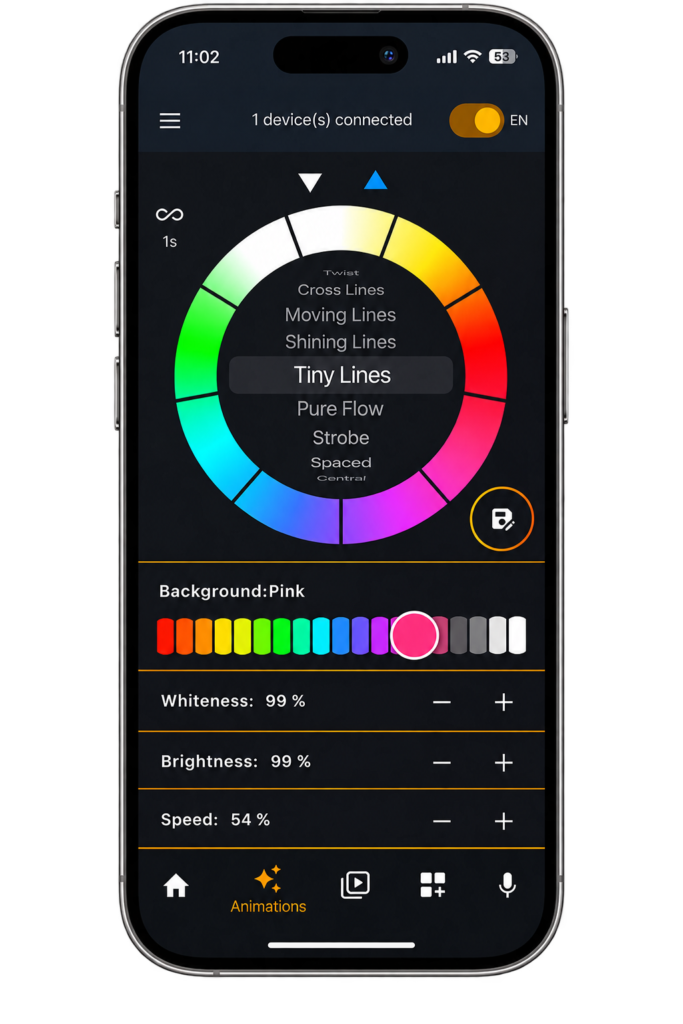
zenopix-felix-application-phone-image

Zenopix Felix Application

Bluetooth BLE Connection & Device Management

Dynamic LED Animations

Sound-Reactive Effects (Audio-Reactive)

Multi-LED Mode Support